

Find your next thing.
Classes, services, experiences and spaces, all in one place.






How SPOT works
See booking guide- 01Discover
Find classes, spaces and experiences around you.
- 02Choose
Pick the date, time or session that works for you.
- 03Book
Reserve your spot and get your confirmation.
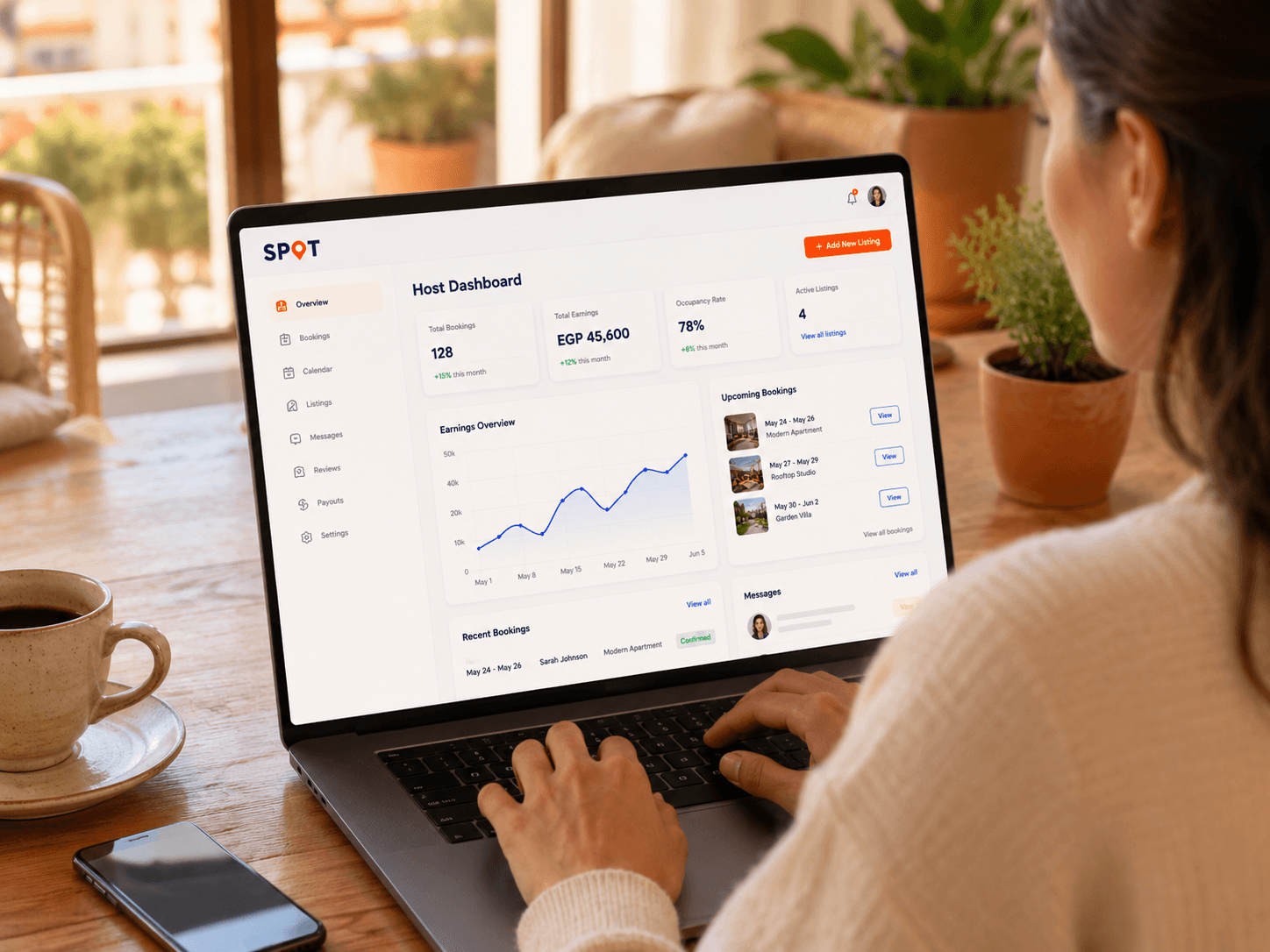
Host on SPOT
List what you offer, take bookings and manage everything in one place.
Common questions
Visit Help CentreCan I book without creating an account?
Yes. Choose an available date or time, enter the required details and complete payment where needed. SPOT then gives you secure access to manage the booking.
How do I receive my ticket or access details?
Card-paid and free bookings receive an active QR ticket immediately. Pay-at-venue bookings receive a payment-due QR until venue staff record payment.
What do I get after my booking is confirmed?
You receive a booking number and the details for your booking. If venue check-in is used, your ticket also includes a QR code. At check-in, show the QR code or booking number.
How does location affect what I see?
SPOT prioritises nearby physical services. You can search another supported city whenever you need to, while online sessions are not ranked by distance.