
Take bookings for what you offer
Classes, appointments, experiences, services and spaces. Set your availability, take bookings and see what you earn.

What you can sell
Sessions
Classes and workshops with a date, a time and a set number of places.
Appointments
One-to-one times for services and consultations.
Spaces
Studios and rooms booked in blocks of time.
- Classes & Workshops
- Wellness & Fitness
- Beauty & Care
- Appointments & Consultations
- Spaces & Studios
- Experiences & Activities
How booking works
Customers find you
By category, location or Near me, and from your host profile.
They choose a time
Only times you have opened, with places still free, can be booked.
They book and pay
Paid bookings confirm after the payment is verified, then appear in your dashboard.
You deliver it
See the customer, any changes and attendance. Use QR check in when it helps.
Tools for every booking
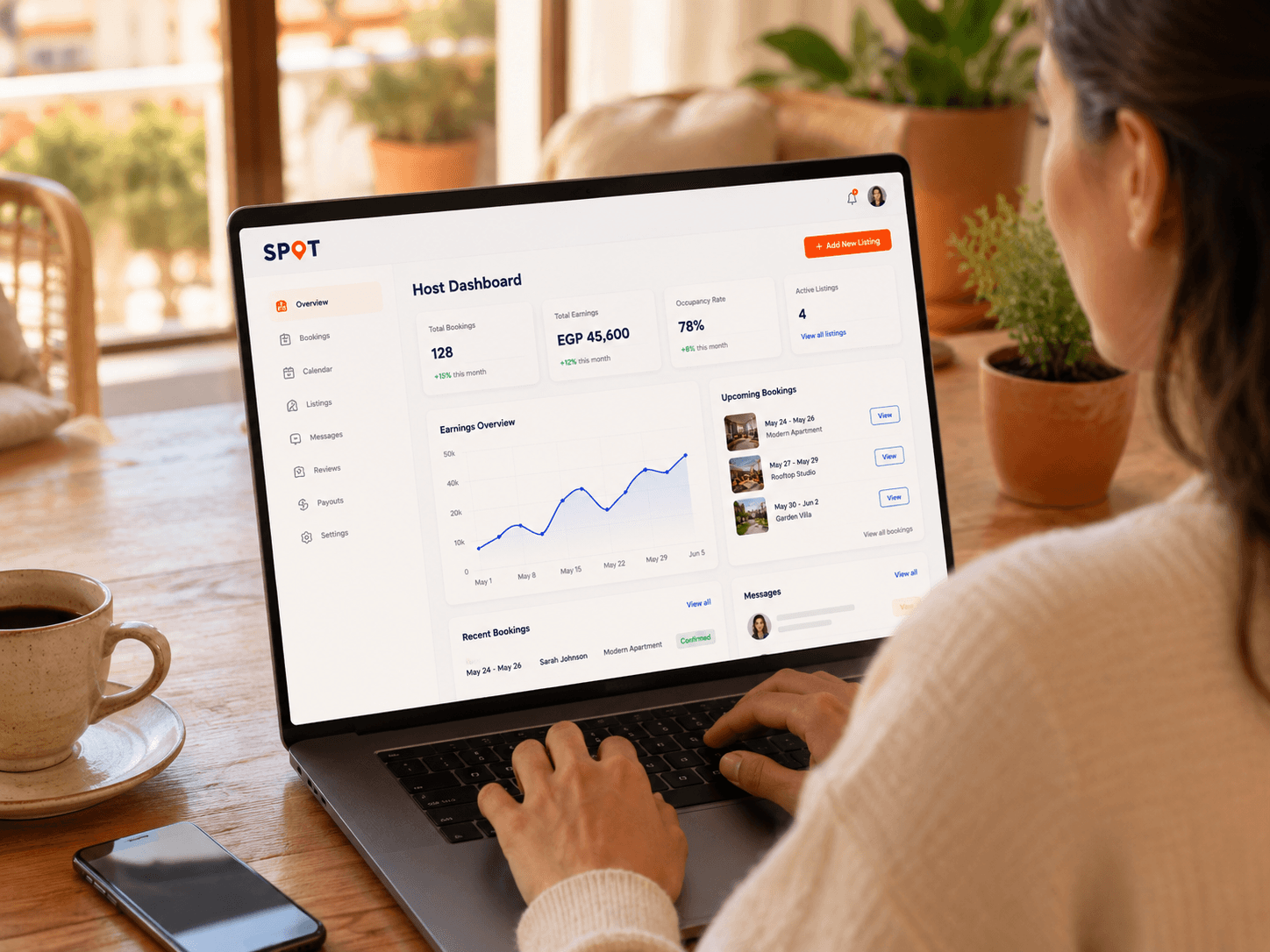
One calendar
Set appointments, sessions and reservable time in one place.
Bookings and customers
See every booking, change and attendance without digging through messages.
Earnings breakdown
Booking value, SPOT commission, processing cost and your earnings, each on its own line.
Check in
QR check in for classes, workshops and shared spaces when attendance matters.
Reports
Bookings, performance and revenue without spreadsheets.
Team access
Give staff the tools they need while sensitive information stays protected.
Money and payouts
Every paid booking shows each line separately.
- Booking price
- The price you set. Customers see the full price before they pay.
- SPOT commission
- A percentage of each booking, set by your plan.
- Payment processing
- The actual processor cost, on its own line.
- Your earnings
- What remains, with payout records in your host dashboard.
Getting started
You can build your listing while these checks are in progress.
Create a host account
Your name, business name, city and host type.
Get approved and verified
You may need verified contact details and identity or business documents, depending on the service.
Connect payments
Connect the approved payment account before you take paid bookings.
Open bookings
Paid bookings open once approval, verification and payment setup are complete.